Info Detail
Fakultas Ilmu-ilmu Kesehatan

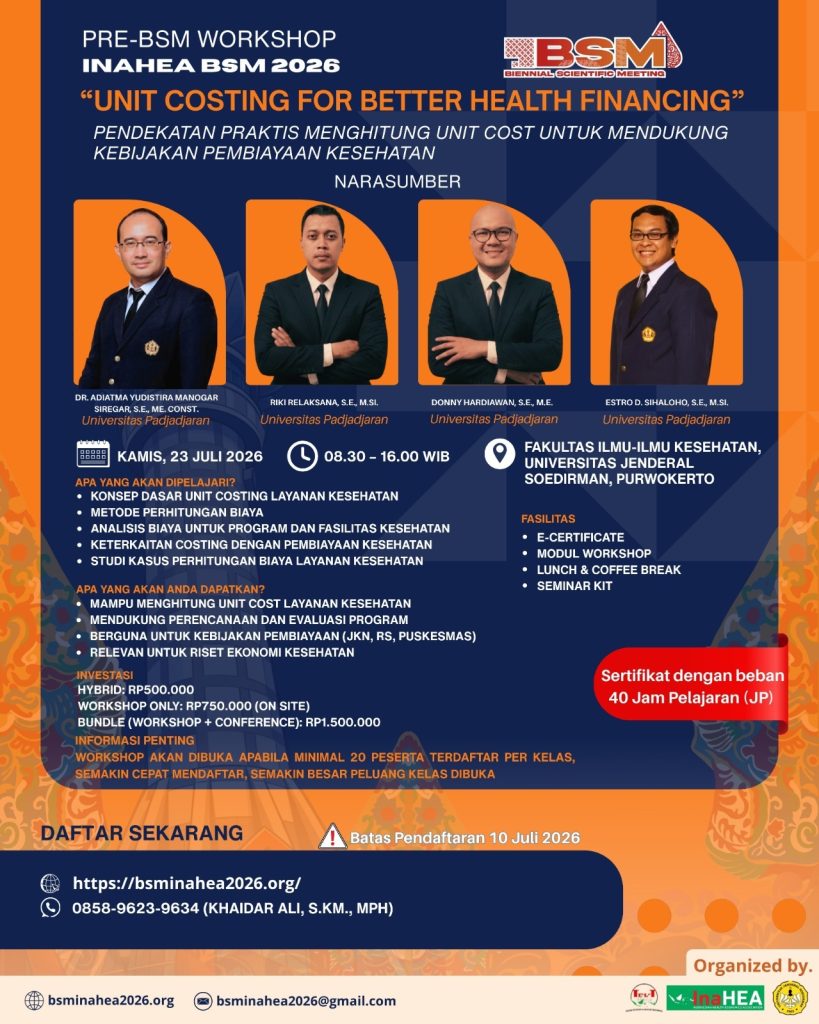
Purwokerto – Analisis biaya pelayanan kesehatan menjadi salah satu komponen penting dalam mendukung sistem pembiayaan kesehatan yang efisien dan berkelanjutan. Untuk memperkuat kapasitas akademisi, peneliti, praktisi, dan pengelola layanan kesehatan di bidang tersebut, The 9th Biennial Scientific Meeting (BSM) Indonesian Health Economics Association (INAHEA) 2026 menyelenggarakan Pre-BSM Workshop “Unit Costing for Better Health Financing: Pendekatan Praktis Menghitung Unit Cost untuk Mendukung Kebijakan Pembiayaan Kesehatan” pada Kamis (23/7/2026) di Gedung Integrated Health Science Building (IHSB), Fakultas Ilmu-Ilmu Kesehatan Universitas Jenderal Soedirman (UNSOED), Purwokerto. Workshop ini bertujuan membekali peserta dengan pengetahuan dan keterampilan praktis dalam menghitung unit costing layanan kesehatan guna mendukung perencanaan serta kebijakan pembiayaan kesehatan berbasis bukti.
Workshop menghadirkan empat narasumber dari Universitas Padjadjaran, yaitu Dr. Adiatma Yudistira Manogar Siregar, S.E., M.EConst., Riki Relaksana, S.E., M.Si., Donny Hardiawan, S.E., M.E., dan Estro D. Sihaloho, S.E., M.Si. yang memiliki pengalaman luas di bidang ekonomi kesehatan dan analisis pembiayaan kesehatan.
Kegiatan diawali dengan sesi Introduction to Costing Analysis yang disampaikan oleh Dr. Adiatma Yudistira Manogar Siregar. Pada sesi ini peserta memperoleh pemahaman mengenai konsep dasar costing analysis, prinsip-prinsip penyusunan unit costing, serta pentingnya analisis biaya dalam meningkatkan efisiensi pelayanan kesehatan. Narasumber juga menjelaskan bagaimana hasil perhitungan biaya dapat dimanfaatkan sebagai dasar penyusunan tarif layanan, evaluasi program, hingga pengambilan keputusan dalam pembiayaan kesehatan.
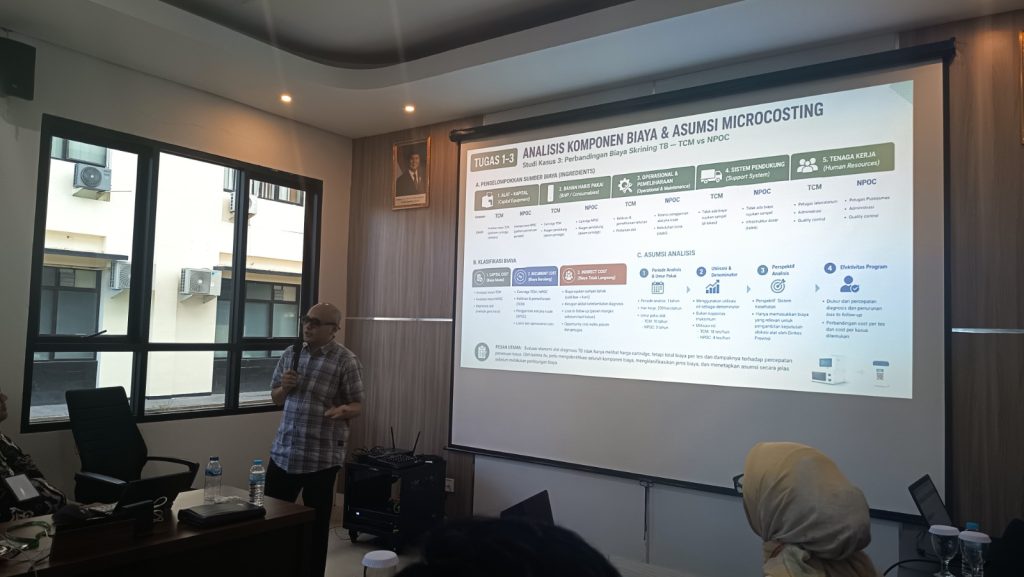
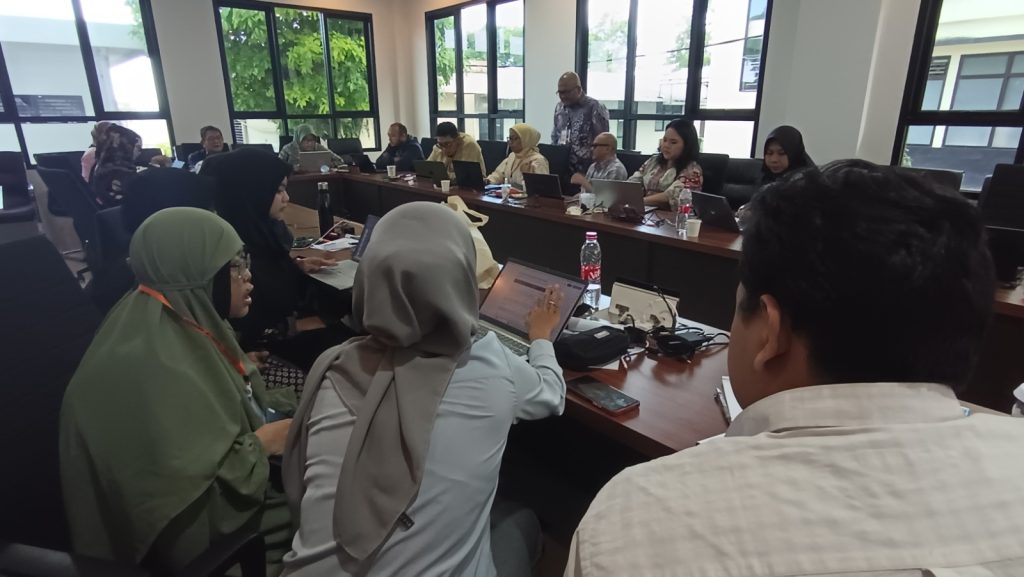
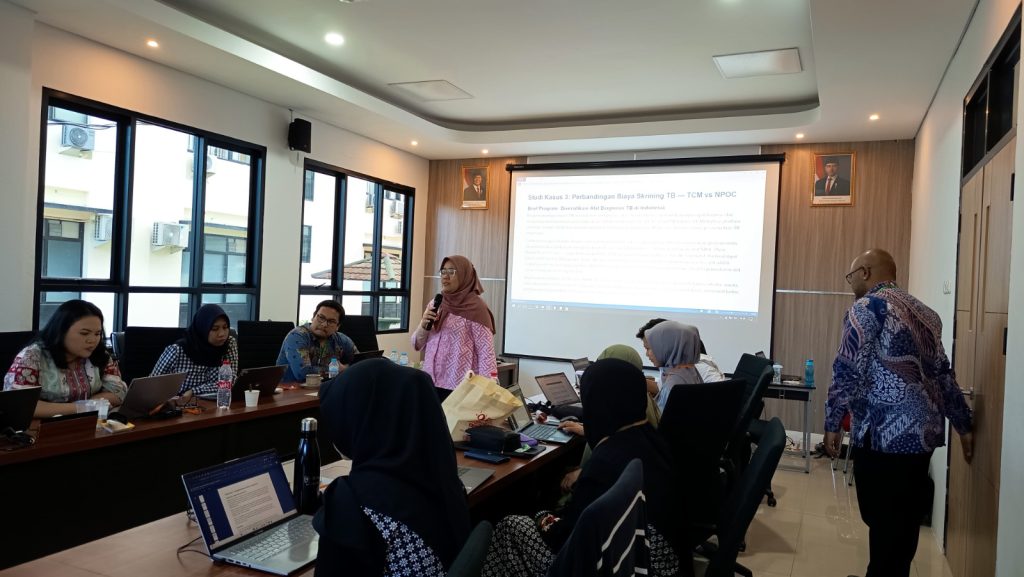
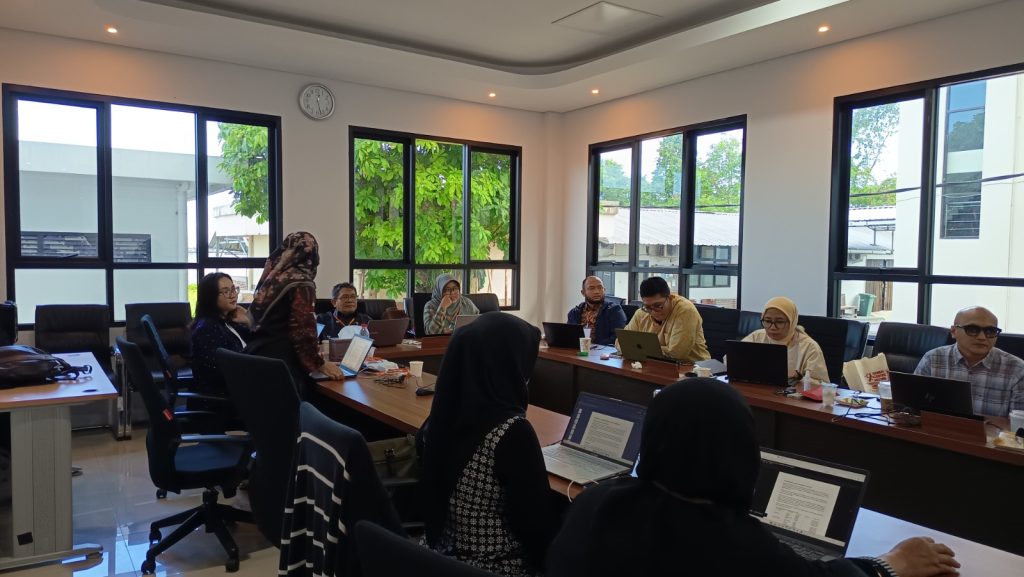
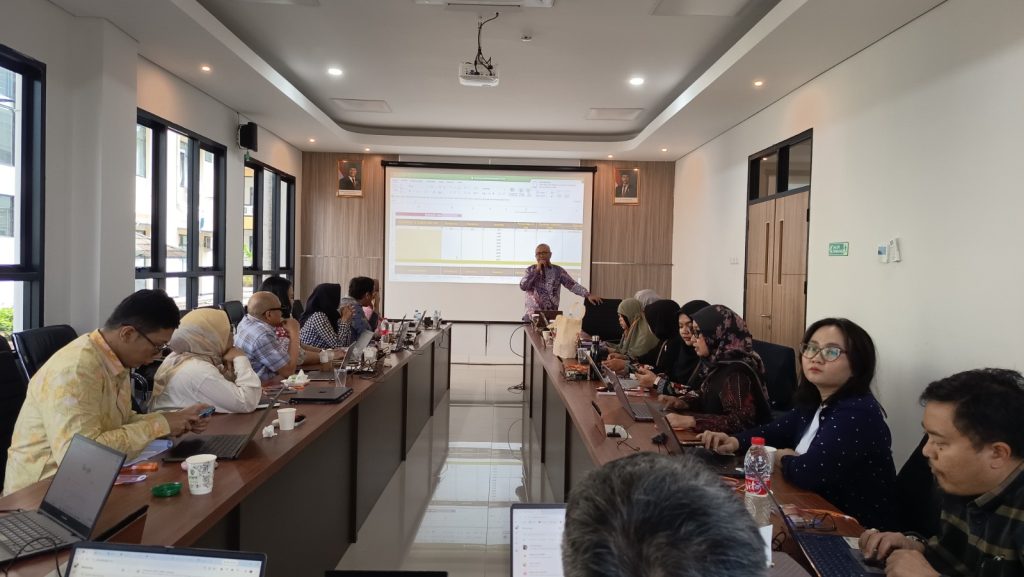
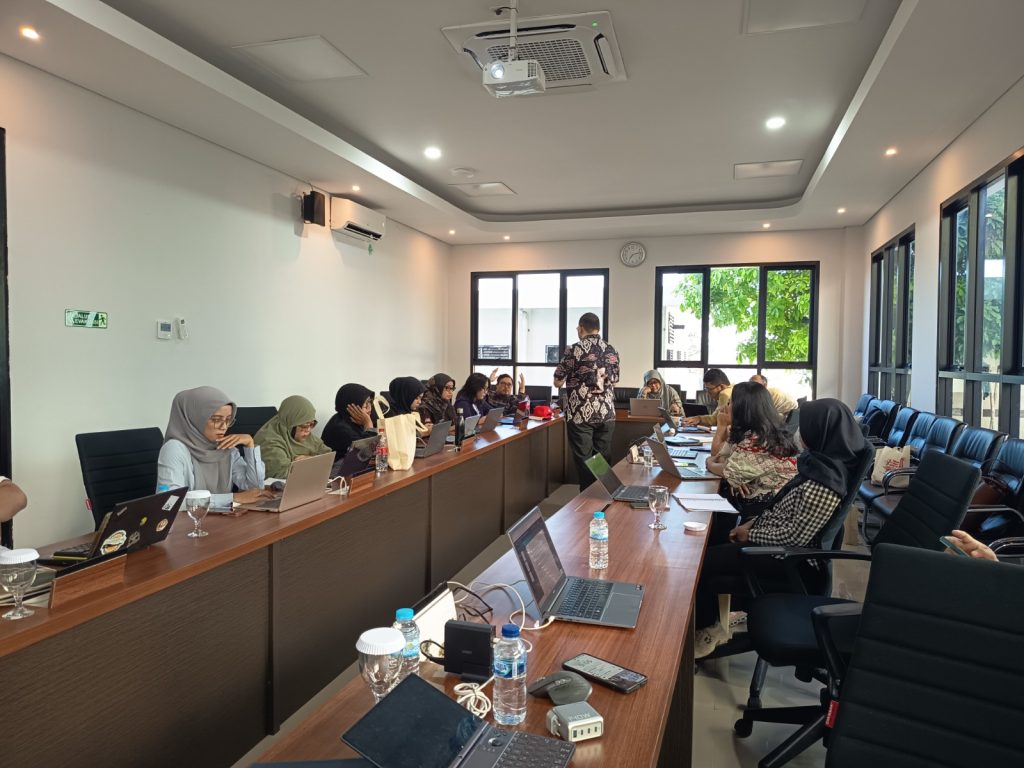
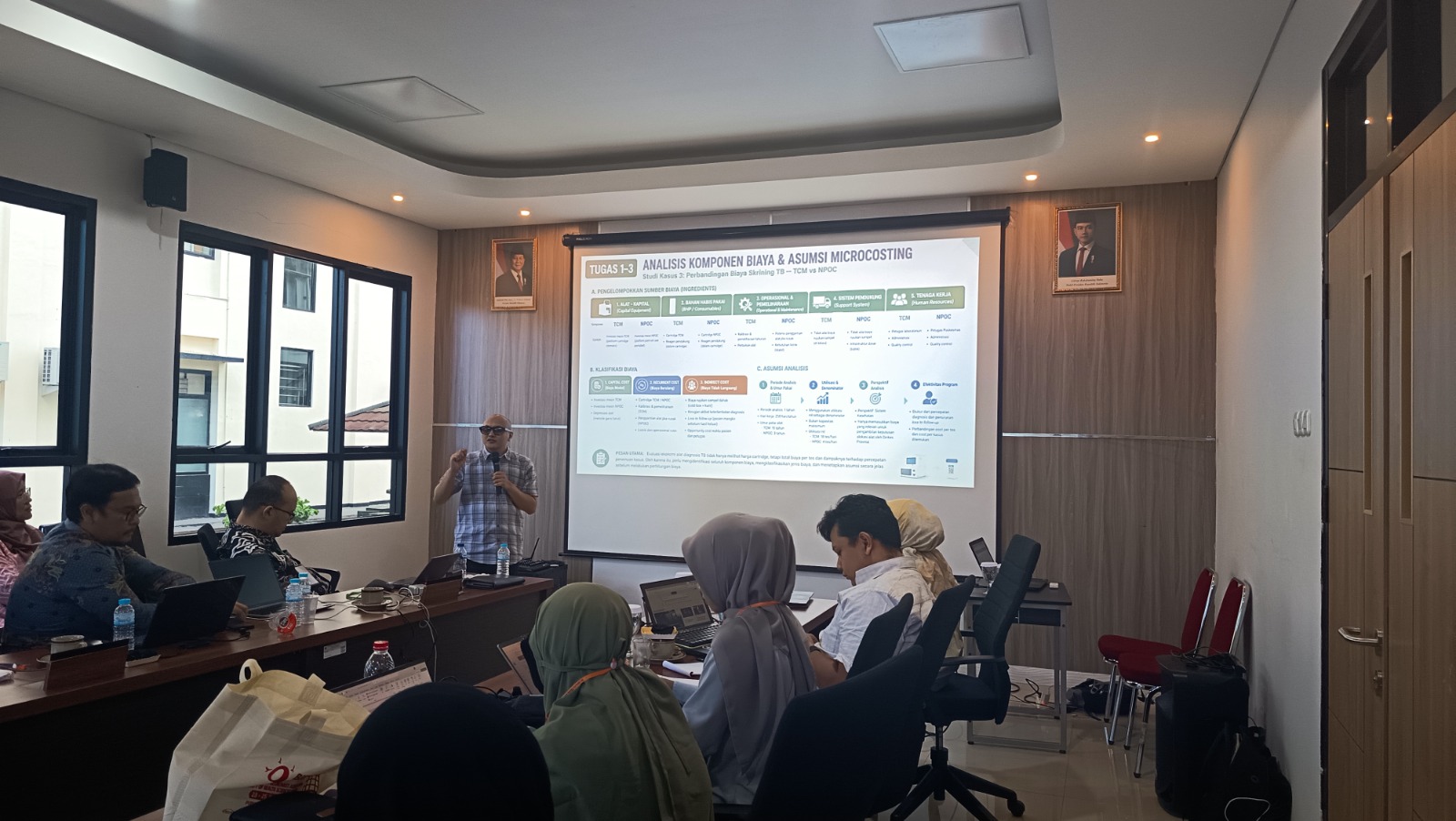
Setelah memahami konsep dasar, peserta mengikuti sesi Introduction to the Excel Costing Tool + Practice (Exercise) yang dipandu oleh Donny Hardiawan, S.E., M.E. dengan fasilitator Rahma dan Estro D. Sihaloho, S.E., M.Si. Pada sesi praktik ini peserta diperkenalkan dengan perangkat Excel Costing Tool sebagai instrumen untuk menghitung biaya satuan layanan kesehatan secara sistematis. Melalui latihan langsung, peserta mempelajari cara memasukkan komponen biaya, melakukan pengelompokan biaya, serta menghasilkan estimasi unit cost yang dapat digunakan dalam pengelolaan fasilitas pelayanan kesehatan.
Pada sesi siang, peserta melanjutkan pembelajaran melalui Solution of the Costing Instrument Problem (Exercise) yang dipandu oleh Rahma dengan fasilitator Donny Hardiawan dan Estro D. Sihaloho. Melalui diskusi studi kasus, peserta diajak mengidentifikasi berbagai tantangan dalam penyusunan instrumen costing, mendiskusikan alternatif penyelesaian, serta memperkuat pemahaman terhadap penerapan metode perhitungan biaya pada berbagai jenis layanan kesehatan.
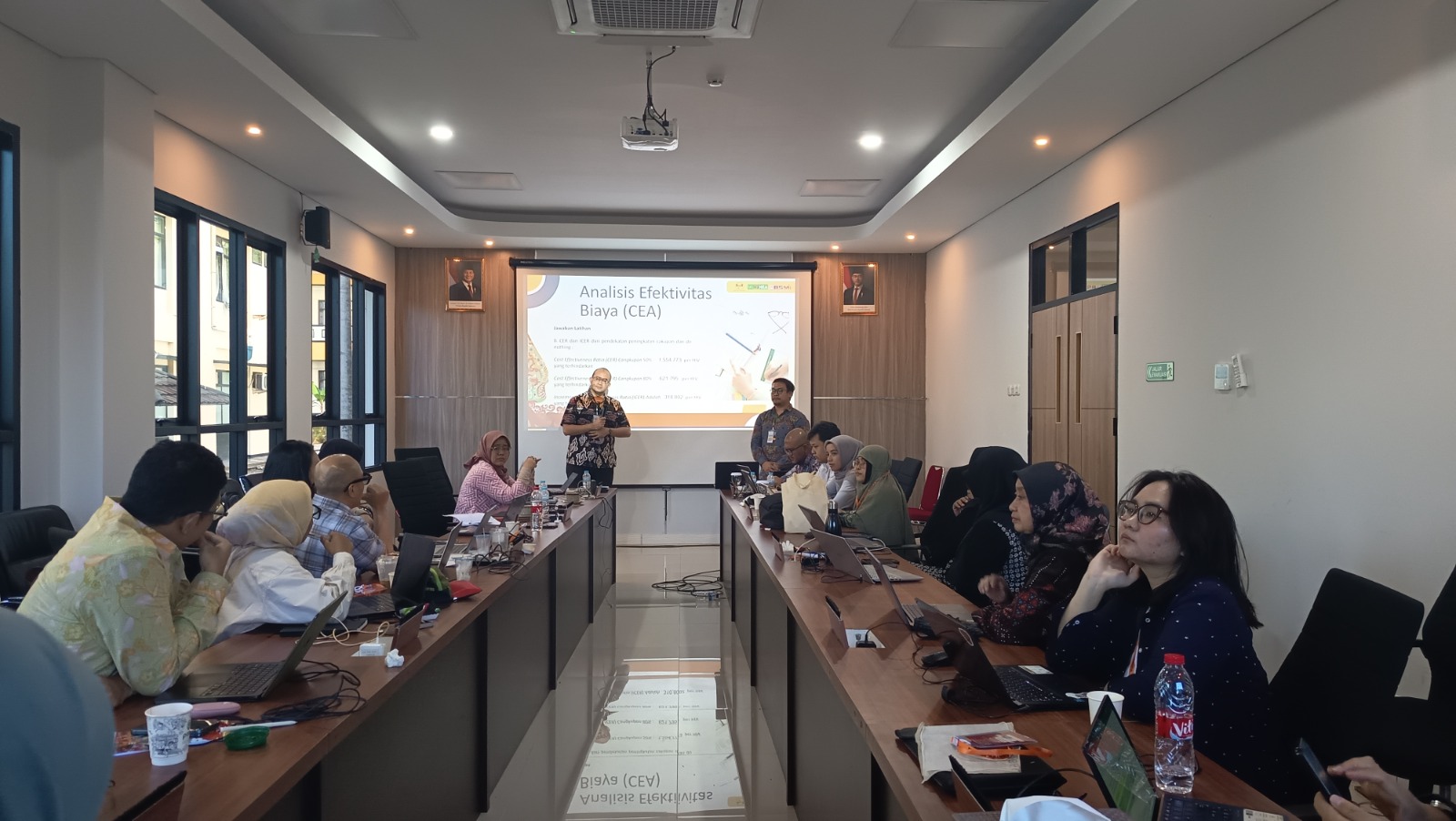
Workshop ditutup dengan sesi Introduction to Cost-Effectiveness Analysis (CEA) + Practice (Exercise) yang disampaikan oleh Estro D. Sihaloho, S.E., M.Si. bersama fasilitator Rahma dan Donny Hardiawan, S.E., M.E. Pada sesi ini peserta diperkenalkan pada konsep Cost-Effectiveness Analysis (CEA) sebagai salah satu metode evaluasi ekonomi kesehatan yang digunakan untuk membandingkan biaya dan manfaat suatu intervensi kesehatan. Melalui latihan praktik, peserta mempelajari penerapan CEA sebagai dasar penyusunan rekomendasi kebijakan pembiayaan kesehatan yang lebih efisien dan berorientasi pada nilai (value for money).
Selama workshop berlangsung, peserta mengikuti pembelajaran secara interaktif melalui kombinasi pemaparan materi, latihan menggunakan perangkat analisis, diskusi kelompok, serta penyelesaian studi kasus. Pendekatan learning by doing tersebut memberikan pengalaman praktis yang memungkinkan peserta memahami proses penyusunan unit costing secara komprehensif sekaligus mengaplikasikannya pada konteks layanan kesehatan di Indonesia.
Melalui workshop ini, peserta diharapkan mampu menghitung unit cost layanan kesehatan secara sistematis, mendukung perencanaan dan evaluasi program kesehatan, serta memanfaatkan hasil analisis biaya sebagai dasar penyusunan kebijakan pembiayaan kesehatan, baik di rumah sakit, puskesmas, maupun dalam penyelenggaraan Program Jaminan Kesehatan Nasional (JKN). Kompetensi tersebut menjadi semakin penting dalam mewujudkan sistem kesehatan Indonesia yang efisien, transparan, dan berkelanjutan.
26 Mei 2026
25 Mei 2026
25 Mei 2026
25 Mei 2026
21 Mei 2026
Fakultas Ilmu-ilmu Kesehatan
We firmly believe that the internet should be available and accessible to anyone, and are committed to providing a website that is accessible to the widest possible audience, regardless of circumstance and ability.
To fulfill this, we aim to adhere as strictly as possible to the World Wide Web Consortium’s (W3C) Web Content Accessibility Guidelines 2.1 (WCAG 2.1) at the AA level. These guidelines explain how to make web content accessible to people with a wide array of disabilities. Complying with those guidelines helps us ensure that the website is accessible to all people: blind people, people with motor impairments, visual impairment, cognitive disabilities, and more.
This website utilizes various technologies that are meant to make it as accessible as possible at all times. We utilize an accessibility interface that allows persons with specific disabilities to adjust the website’s UI (user interface) and design it to their personal needs.
Additionally, the website utilizes an AI-based application that runs in the background and optimizes its accessibility level constantly. This application remediates the website’s HTML, adapts Its functionality and behavior for screen-readers used by the blind users, and for keyboard functions used by individuals with motor impairments.
If you’ve found a malfunction or have ideas for improvement, we’ll be happy to hear from you. You can reach out to the website’s operators by using the following email
Our website implements the ARIA attributes (Accessible Rich Internet Applications) technique, alongside various different behavioral changes, to ensure blind users visiting with screen-readers are able to read, comprehend, and enjoy the website’s functions. As soon as a user with a screen-reader enters your site, they immediately receive a prompt to enter the Screen-Reader Profile so they can browse and operate your site effectively. Here’s how our website covers some of the most important screen-reader requirements, alongside console screenshots of code examples:
Screen-reader optimization: we run a background process that learns the website’s components from top to bottom, to ensure ongoing compliance even when updating the website. In this process, we provide screen-readers with meaningful data using the ARIA set of attributes. For example, we provide accurate form labels; descriptions for actionable icons (social media icons, search icons, cart icons, etc.); validation guidance for form inputs; element roles such as buttons, menus, modal dialogues (popups), and others. Additionally, the background process scans all of the website’s images and provides an accurate and meaningful image-object-recognition-based description as an ALT (alternate text) tag for images that are not described. It will also extract texts that are embedded within the image, using an OCR (optical character recognition) technology. To turn on screen-reader adjustments at any time, users need only to press the Alt+1 keyboard combination. Screen-reader users also get automatic announcements to turn the Screen-reader mode on as soon as they enter the website.
These adjustments are compatible with all popular screen readers, including JAWS and NVDA.
Keyboard navigation optimization: The background process also adjusts the website’s HTML, and adds various behaviors using JavaScript code to make the website operable by the keyboard. This includes the ability to navigate the website using the Tab and Shift+Tab keys, operate dropdowns with the arrow keys, close them with Esc, trigger buttons and links using the Enter key, navigate between radio and checkbox elements using the arrow keys, and fill them in with the Spacebar or Enter key.Additionally, keyboard users will find quick-navigation and content-skip menus, available at any time by clicking Alt+1, or as the first elements of the site while navigating with the keyboard. The background process also handles triggered popups by moving the keyboard focus towards them as soon as they appear, and not allow the focus drift outside of it.
Users can also use shortcuts such as “M” (menus), “H” (headings), “F” (forms), “B” (buttons), and “G” (graphics) to jump to specific elements.
We aim to support the widest array of browsers and assistive technologies as possible, so our users can choose the best fitting tools for them, with as few limitations as possible. Therefore, we have worked very hard to be able to support all major systems that comprise over 95% of the user market share including Google Chrome, Mozilla Firefox, Apple Safari, Opera and Microsoft Edge, JAWS and NVDA (screen readers), both for Windows and for MAC users.
Despite our very best efforts to allow anybody to adjust the website to their needs, there may still be pages or sections that are not fully accessible, are in the process of becoming accessible, or are lacking an adequate technological solution to make them accessible. Still, we are continually improving our accessibility, adding, updating and improving its options and features, and developing and adopting new technologies. All this is meant to reach the optimal level of accessibility, following technological advancements. For any assistance, please reach out to